

This list of Auth0 actions allows you to get, create, and update users.Documentation Index
Fetch the complete documentation index at: https://docs-staging-quickstart-revamp.mintlify.app/llms.txt
Use this file to discover all available pages before exploring further.
Configure your Vault connection
To configure a Vault connection for your Auth0 actions, you will need to create a Machine-to-Machine application and use Tenant domain, and :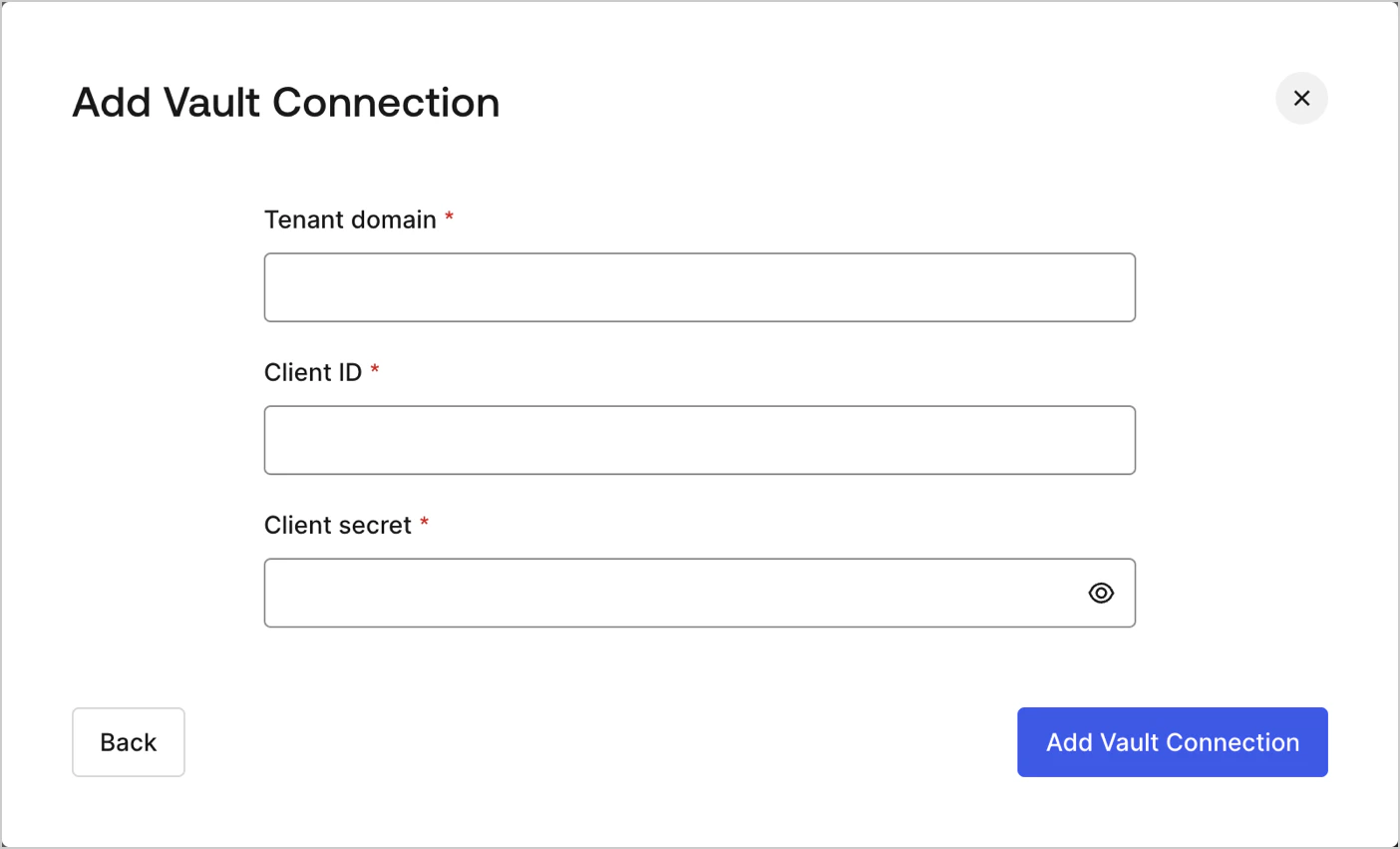
Create user
Create a user.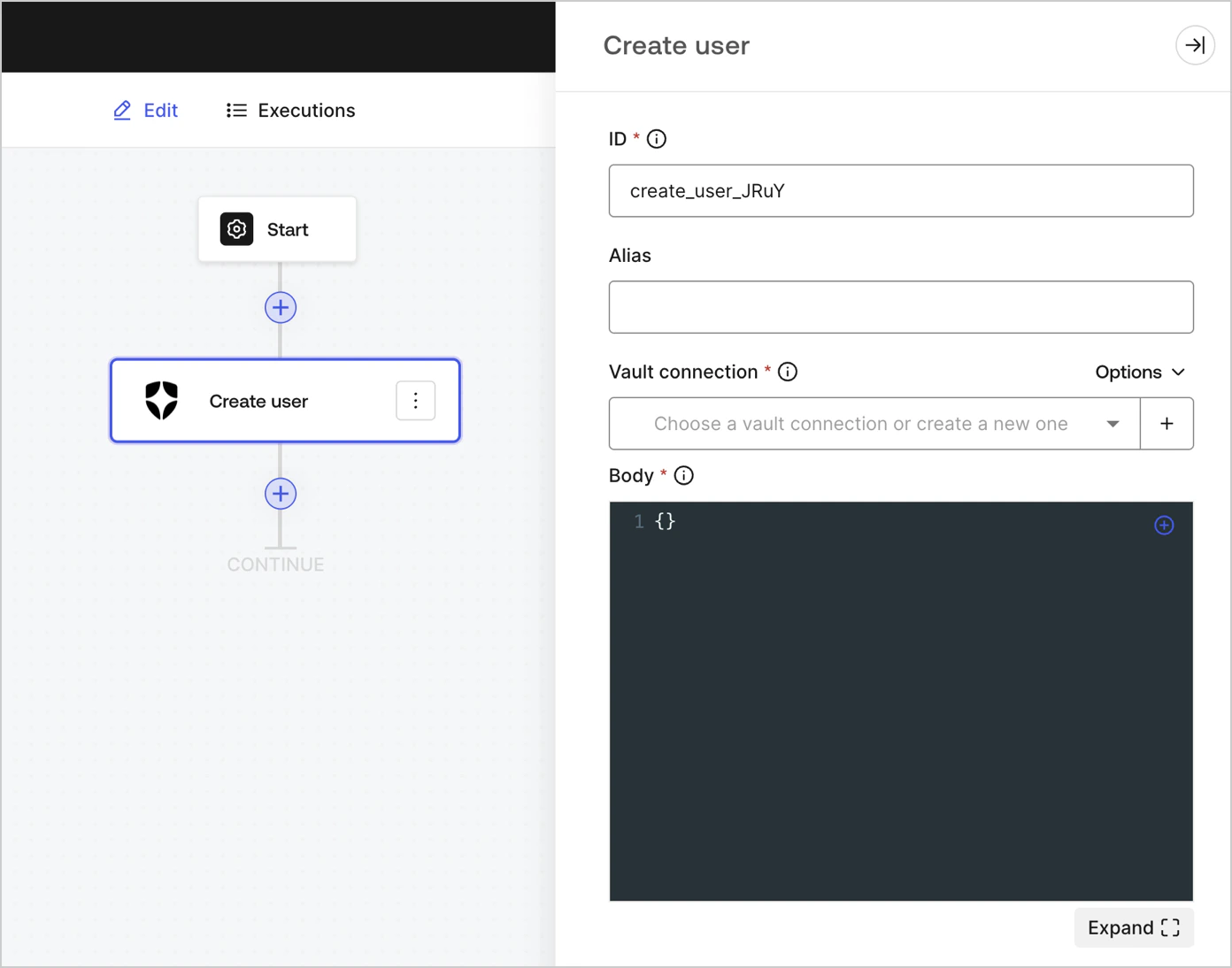
Input settings
| Parameter | Description |
|---|---|
| Body | The payload of Auth0 user properties to add. To learn more, read Create a user API documentation. |
Output settings
You can find the expected response and status codes at Create a user API documentation.Get user
Retrieve user details.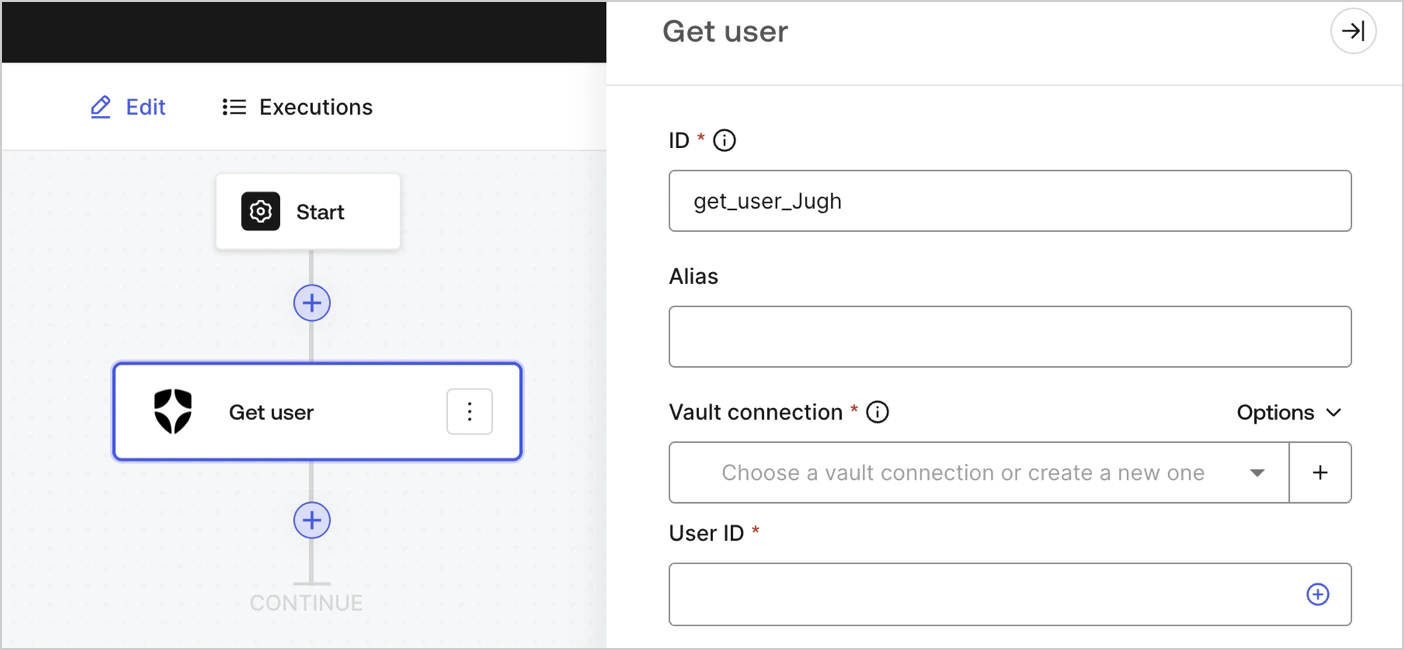
Input settings
| Parameter | Description |
|---|---|
| User ID | ID of the user to retrieve. To learn more, read <a api="" auth0.com="" docs="" get-users-by-id="" https:="" management="" users="" v2="">Get a user</a> API documentation. |
Output settings
You can find the expected response and status codes at Get a user API documentation.Update user
Update a user.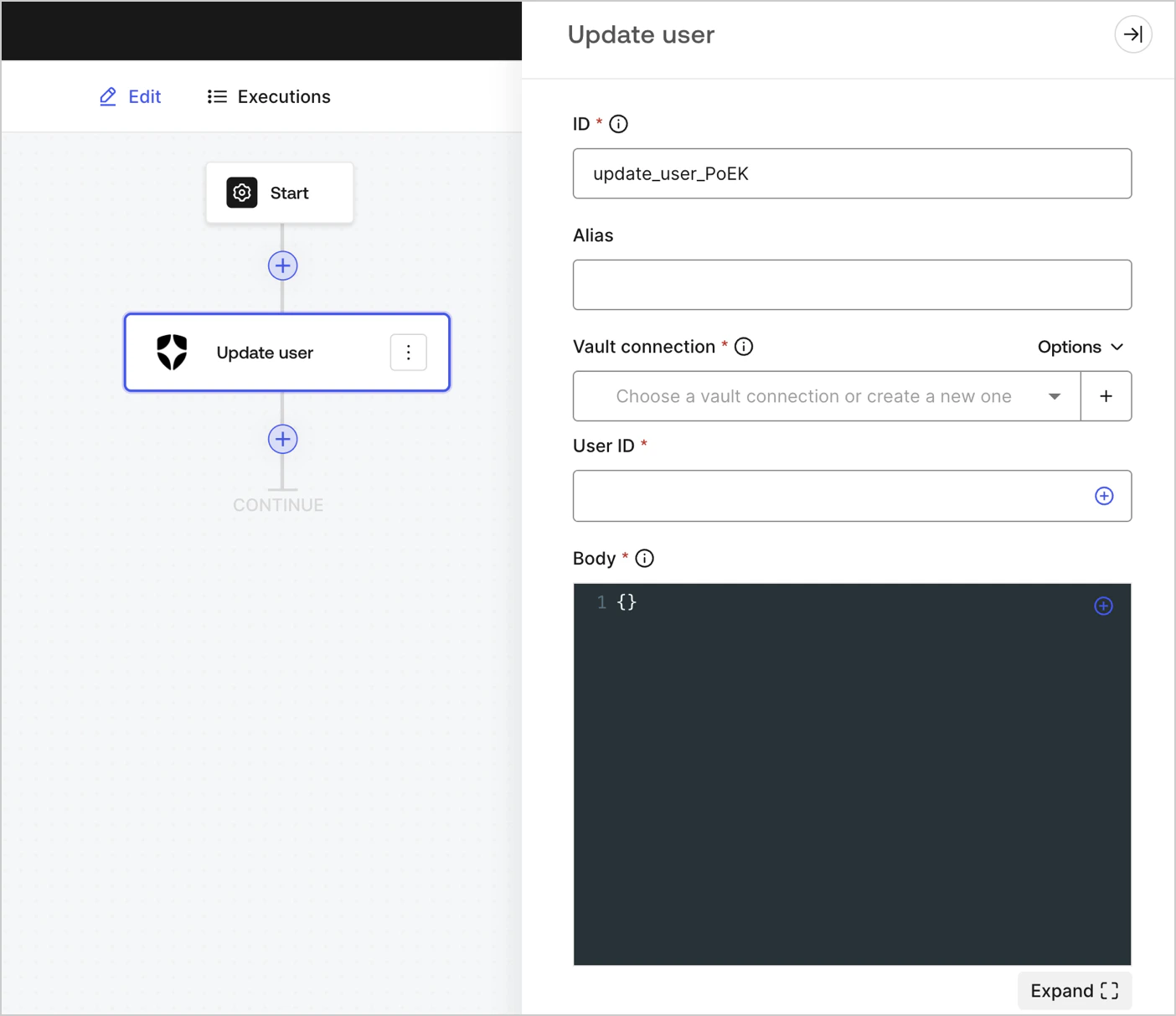
Input settings
| Parameter | Description |
|---|---|
| User ID | ID of the user to update. |
| Body | The payload of Auth0 user properties to update. To learn more, read Update a user API documentation. |
Output settings
You can find the expected response and status codes at Update a user API documentation.Custom API Request
Send a custom API request to Auth0 API endpoints.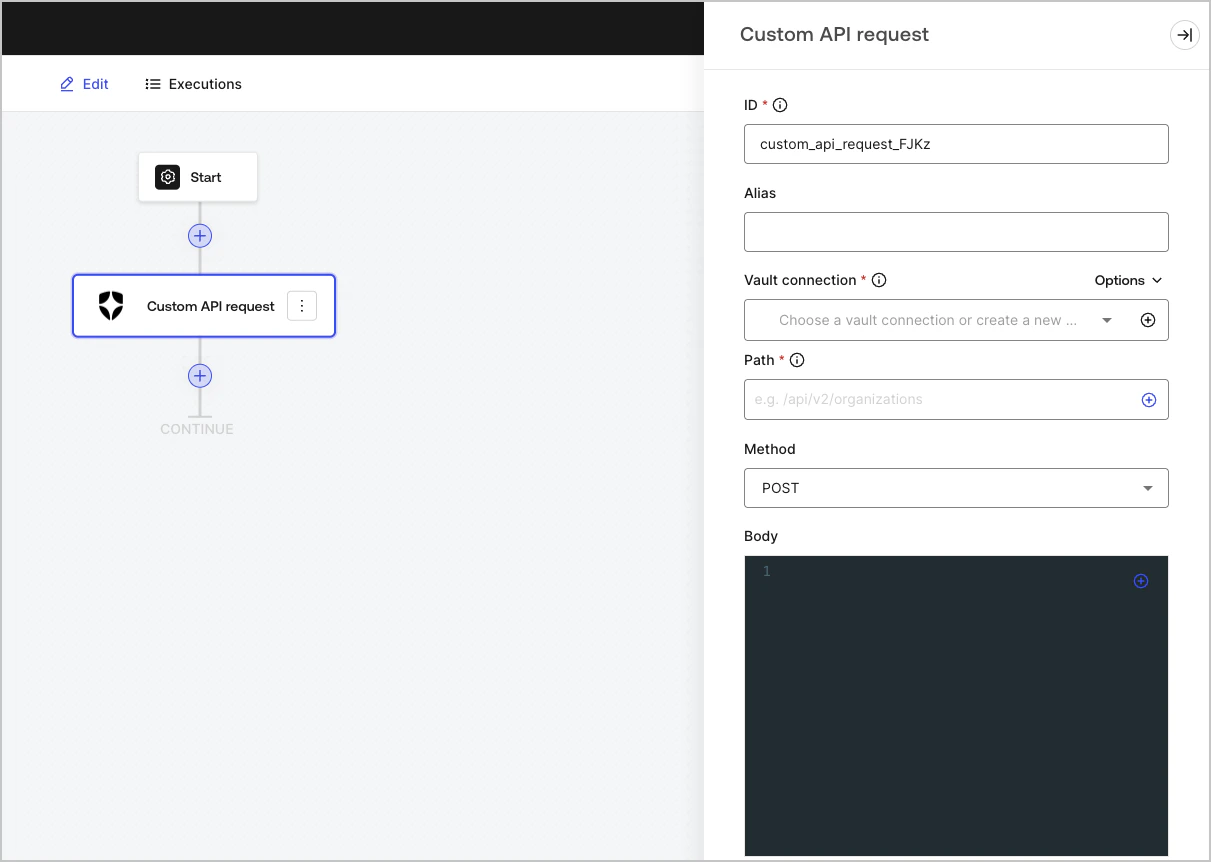
Input settings
| Parameter | Description |
|---|---|
| Path | The API endpoint absolute pathname.
( Example: /api/v2/organizations )
Note: Some endpoints, for example: Get a user , require URI encoded parameters when not using alphanumeric characters, such as: -, ., _, or ~, characters ).
To do this, you can use the encodeURIComponent function: {{ functions.encodeURIComponent(context.user.user_id) }} |
| Method | Available HTTP methods include:
|
| Body | The body of the request. |
| Headers | The headers of the request. |
| URL Params | The URL parameters. These parameters are automatically URL-encoded. |